Logging in to C4S
C4S Pilot Log In Page
The C4S system prototype is currently in limited release and only available to our project collaborators at this point in time.
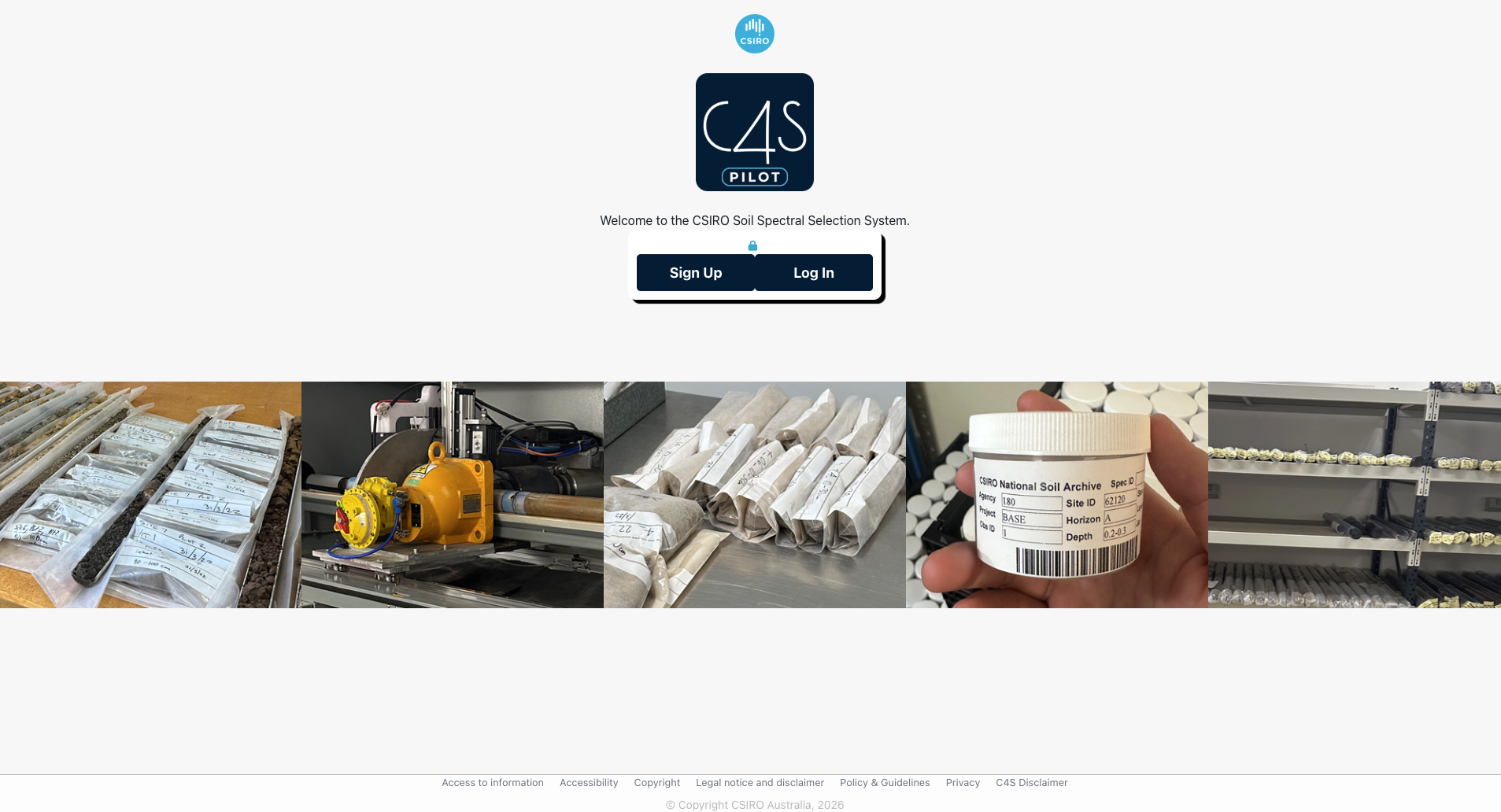
At the bottom of the C4S Log In page, CSIRO’s Copyright, Privacy and other relevant information links can be found. There is also a Disclaimer of how C4S and its data can be used:
Disclaimer
Data and other content made accessible via the CSIRO Soil Spectral Selection System (C4S) is supplied on an ‘as is’ basis. If you use or download any data or other material made available by C4S you do so at your own risk and you acknowledge that such data may not be free of error, comprehensive, current, or not applicable to all situations.
To the extent permitted by law, CSIRO excludes all liability to any person for any consequences, including but not limited to all losses, damages, costs, expenses and any other compensation, arising directly or indirectly from accessing and using any information or material contained in it.
C4S Sign Up page
Before you can use the C4S App you need to create a Login by navigating to the C4S Sign Up page.
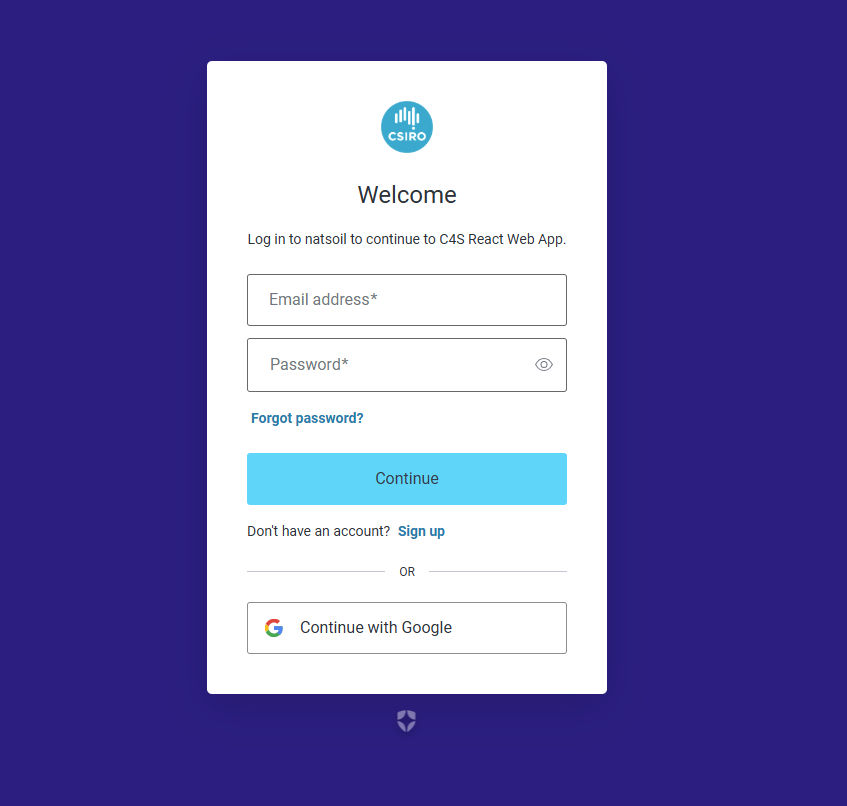
Sign up to the C4S App using your email and your own password. Your password is not stored by CSIRO but rather manged through industry standard secure platforms. Once you have signed up you will need to contact CSIRO to get access to the C4S App.
After you are given access to the C4S App you will need to login to the C4S App every time you wish to use it.
Note: There is a C4S Sign Up authentication process, which uses industry standard secure protocols. The C4S App requires the identities of the users, so that their private data access (e.g. soil spectral, site and soil property information) is restricted to users authorised within their own organisation.